What ABBYY FineReader PDF does
FineReader PDF is a desktop program for working with PDFs and scans. It reads a scanned page with OCR, lets you edit and search the text, and converts it into Word or Excel documents you can edit[2]. ABBYY lists 198 recognition languages, 53 of them with dictionary support, plus old European languages and gothic fonts[1].
- Editions
- FineReader PDF Standard and Corporate for Windows, FineReader PDF for Mac[2]
- Windows
- Windows 11 or 10, 64-bit[1]
- Corporate extras
- Document comparison and Hot Folder, which converts up to 5,000 pages a month automatically[2]
- Billing
- Yearly or 3-year subscription, monthly for Windows only[2]
- Trial
- 7 days, no payment needed[2]
How translators use FineReader, and where the steps add up
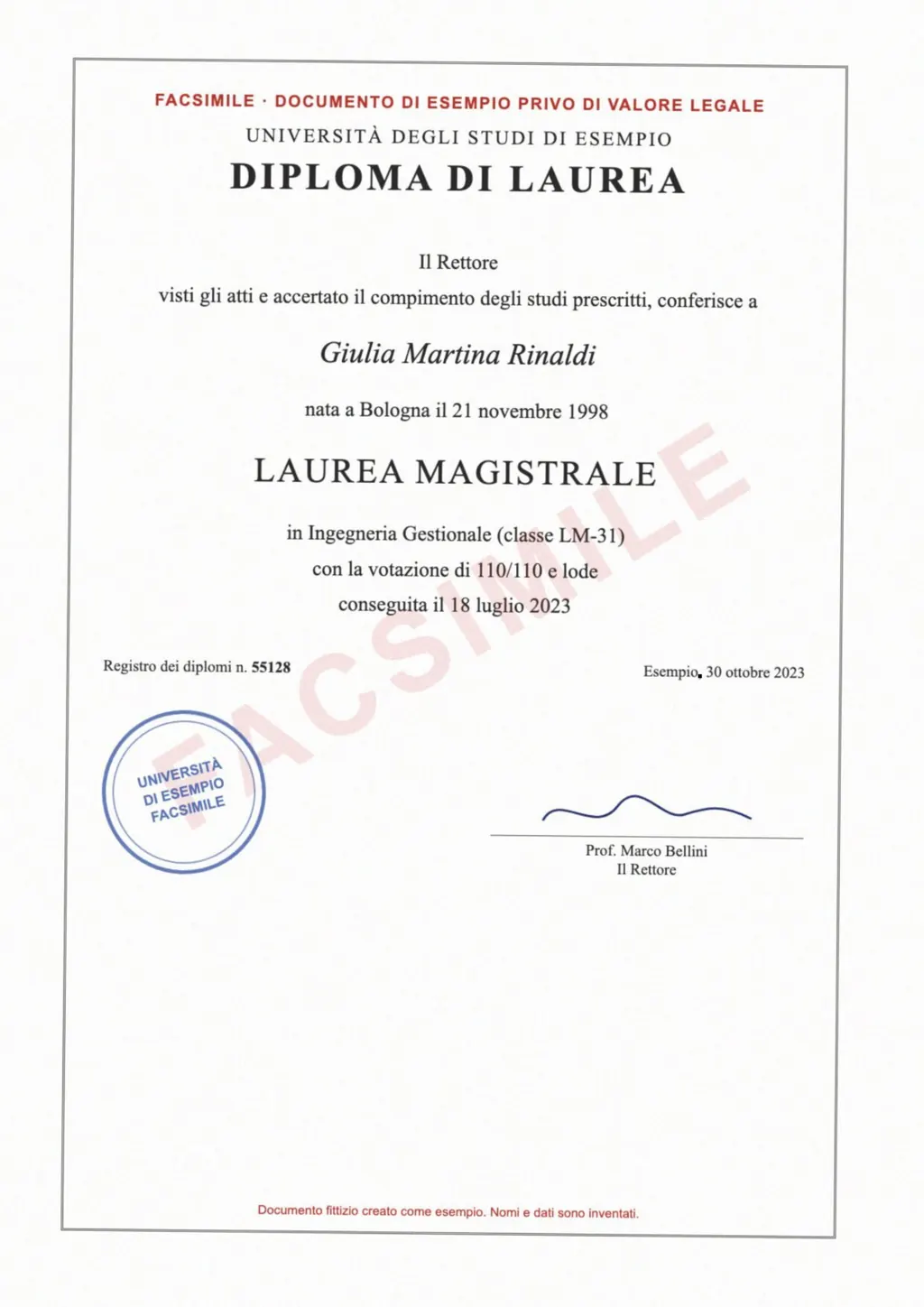
Translators often get work as scans. A client sends a stamped certificate, a court order or a faxed contract, and a CAT tool cannot read a picture of a page. The usual first step is OCR in FineReader, then a check of the layout in Word, then the file goes into the CAT tool or a machine translation engine.
- Open the scan in FineReader and run OCR in the source language.
- Convert to Word and fix columns, tables and line breaks.
- Import the Word file into the CAT tool or a machine translation engine.
- Translate or post-edit, then export the target file.
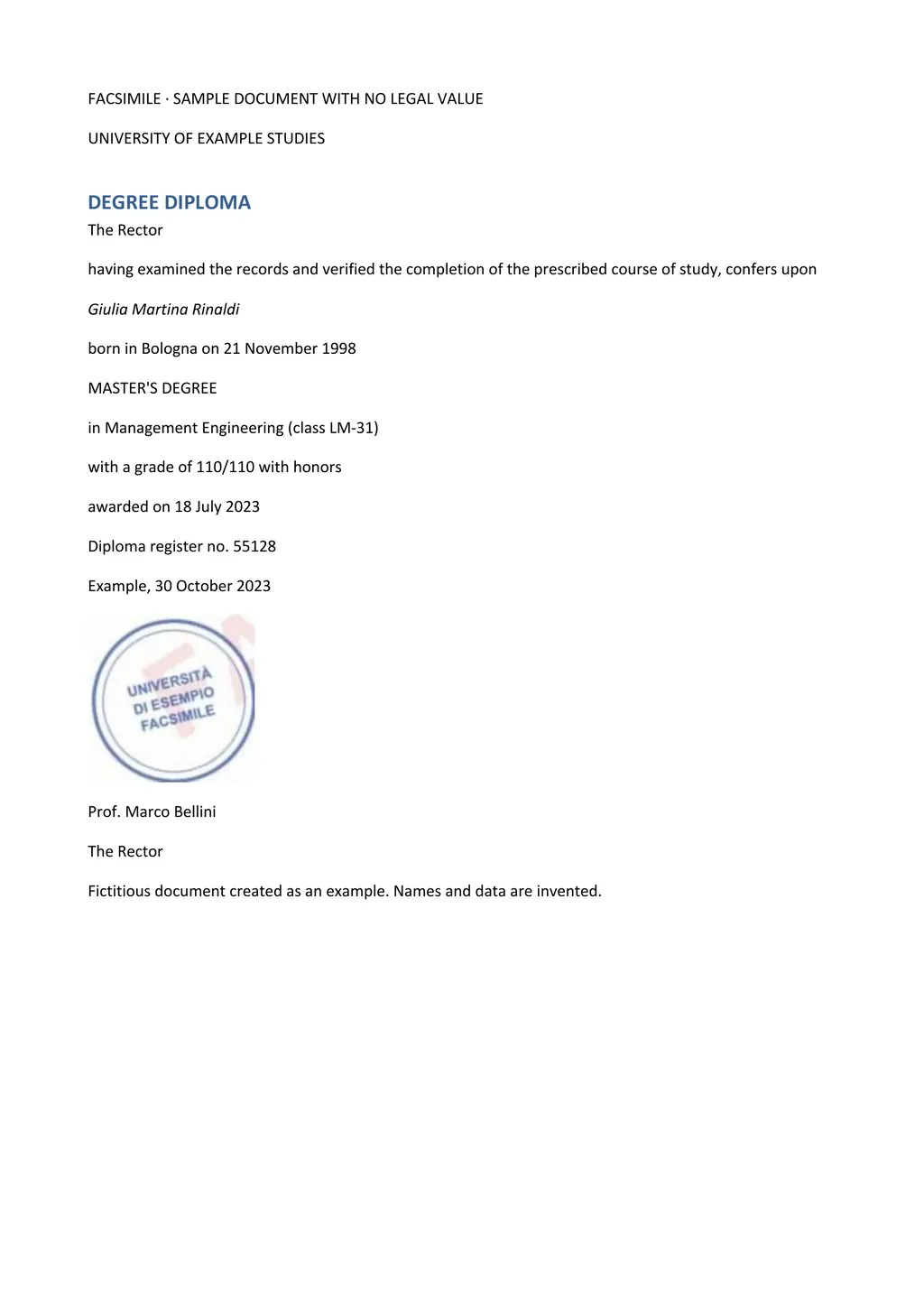
LoreAI joins the first three steps. You upload the scan, pick the target language and get a machine translation in Word, with headings, lists and tables in the original order. That file is a draft you post-edit in Word or bring into your CAT tool.
ABBYY FineReader PDF and LoreAI side by side
| What you need | ABBYY FineReader PDF | LoreAI |
|---|---|---|
| File types | PDFs, paper documents and their images[2] | PDF, JPG and PNG |
| File size | Not stated on its pricing page | Free 3 MB, Basic 10 MB, Pro 25 MB |
| PDF length | No per-file limit stated; Hot Folder up to 5,000 pages a month in Corporate[2] | Free 3, Basic 30, Pro 100 pages |
| Scanned pages | Read with OCR in 198 languages[1] | Read with OCR, then translated |
| What you download | Editable Word or Excel, searchable PDF[2] | An editable Word file (.docx), translated |
| Translation | Not listed among its features[2] | Into 105 languages |
| Where it runs | Installed on Windows or Mac[1] | In any browser, phone included |
| Price | Yearly or 3-year subscription, monthly on Windows, 7-day trial[2] | First document free, then Basic at $12.99 a month |
When FineReader is the right tool
FineReader fits large OCR jobs where the text stays in its language. It reads many scripts and historical fonts, edits PDFs, compares document versions in Corporate and converts folders of files automatically with Hot Folder[2]. If you digitize archives or books for search, or you need a source-language Word file for a CAT tool, it does the job on your own computer.
When LoreAI is the better fit
LoreAI fits when the end result is a translated document. It reads the scan or phone photo with OCR, detects the source language, translates into any of 105 languages and rebuilds the page in Word. Stamps, seals and handwriting are read along with the printed text, names and numbers stay as written, and names in non-Latin scripts are romanized.
- There is nothing to install, so it works on a work laptop, a Chromebook or a phone.
- You pay by the month for pages, starting with Basic at $12.99, and the first document is free.
- It turns a one-off scan, such as a client's birth certificate, into a Word draft in a few minutes.
LoreAI does not certify translations
LoreAI is not a certified translation service, and FineReader is OCR software. For USCIS, the translator certifies that the translation is complete and accurate and that they are competent in both languages[4]. A translator can post-edit LoreAI's Word file and add that statement. The translation rates guide covers how translators price this work.
Questions people ask
Is there a free alternative to ABBYY FineReader?
For OCR only, Google Drive opens PDFs and photos as text in Google Docs[5]. LoreAI's first document is free, up to 3 pages, and returns the scan translated in Word.
Does ABBYY FineReader work on a Mac?
Does ABBYY FineReader translate documents?
Translation is not among the features on ABBYY's pricing and feature list[2]. It converts scans into editable files in the original language.
How many languages does ABBYY FineReader recognize?
ABBYY lists 198 recognition languages for FineReader PDF 16, 53 of them with dictionary support[1].
Can I try ABBYY FineReader for free?
Yes. ABBYY offers a 7-day trial with no payment needed[2].
Sources
- ABBYY FineReader PDF: Specifications and recognition languages, accessed November 5, 2026
- ABBYY FineReader PDF: Pricing, editions and FAQ, accessed November 5, 2026
- ABBYY: FineReader PDF for Mac, accessed November 5, 2026
- 8 CFR 103.2(b)(3), Translations, Cornell Legal Information Institute, accessed November 5, 2026
- Google Drive Help: Convert PDF and photo files to text, accessed November 5, 2026
By Matt Mountain ·