What Prizmo does
Prizmo first came out in 2009 and is now a family of apps: Prizmo for iPhone, iPad and Mac, Prizmo Go for grabbing text from the camera, and Prizmo Remix for scanner batches on Mac[1]. It captures pages, cleans them up, flattens curved book pages and runs OCR, then exports PDFs, images or layout-preserving Word documents[1].
- OCR engines
- Three: on-device OCR and a Cloud OCR option, among them[1]
- Print languages
- 139 with Cloud OCR[1]
- Handwriting
- 9 languages with Cloud OCR, including English, French, German and Spanish[1]
- Export
- PDF, DOCX and image files[1]
- Translation
- AI translation inside the document on Mac, 59 languages[1]
- Devices
- iPhone, iPad and Mac, synced through iCloud[1]
Prizmo pricing: packs and plans
The app is a free download on the App Store, with in-app purchases[1]. Prices are shown in the apps and on the App Store rather than on Creaceed's page.
- Premium Pack (iPhone and iPad, paid once): unlimited on-device OCR, full text and text-to-speech features, no watermark in exports[1].
- Cloud Plan (iPhone and iPad, subscription): everything in the Premium Pack, plus Cloud OCR for handwriting and more languages[1].
- Pro Pack (Mac, paid once): on-device OCR and watermark-free output[1].
- Pro Plan (Mac, subscription): Cloud OCR for handwriting and more languages, plus the AI translation service[1].
Prizmo for iPhone and iPad and Prizmo for Mac are sold separately, and any Mac purchase also unlocks the matching features in Prizmo Remix[1].
Prizmo and LoreAI side by side
| What you need | Prizmo | LoreAI |
|---|---|---|
| File types | Camera scans, picture files, PDFs and TWAIN scanners on Mac[1] | PDF, JPG and PNG |
| Scanned pages | On-device or Cloud OCR[1] | Read with OCR, then translated |
| Handwriting | Cloud OCR, 9 languages, subscription[1] | Read along with the printed text |
| What you download | PDF, DOCX or images[1] | A translated, editable Word file (.docx) |
| Translation | On Mac with the Pro Plan, 59 languages[1] | Into 105 languages, on any device |
| Devices | iPhone, iPad and Mac[1] | Any browser: iPhone, Android, Windows, Mac |
| Price | Free download; packs paid once, or subscription plans[1] | First document free, then Basic at $12.99 a month |
When to use Prizmo, and when LoreAI
The app suits people who live on Apple devices and want control over the OCR itself: reviewing text next to the image, re-running recognition on one block, batch settings, VoiceOver and text-to-speech[1]. It is a strong pick for archiving books and papers on a Mac with a scanner.
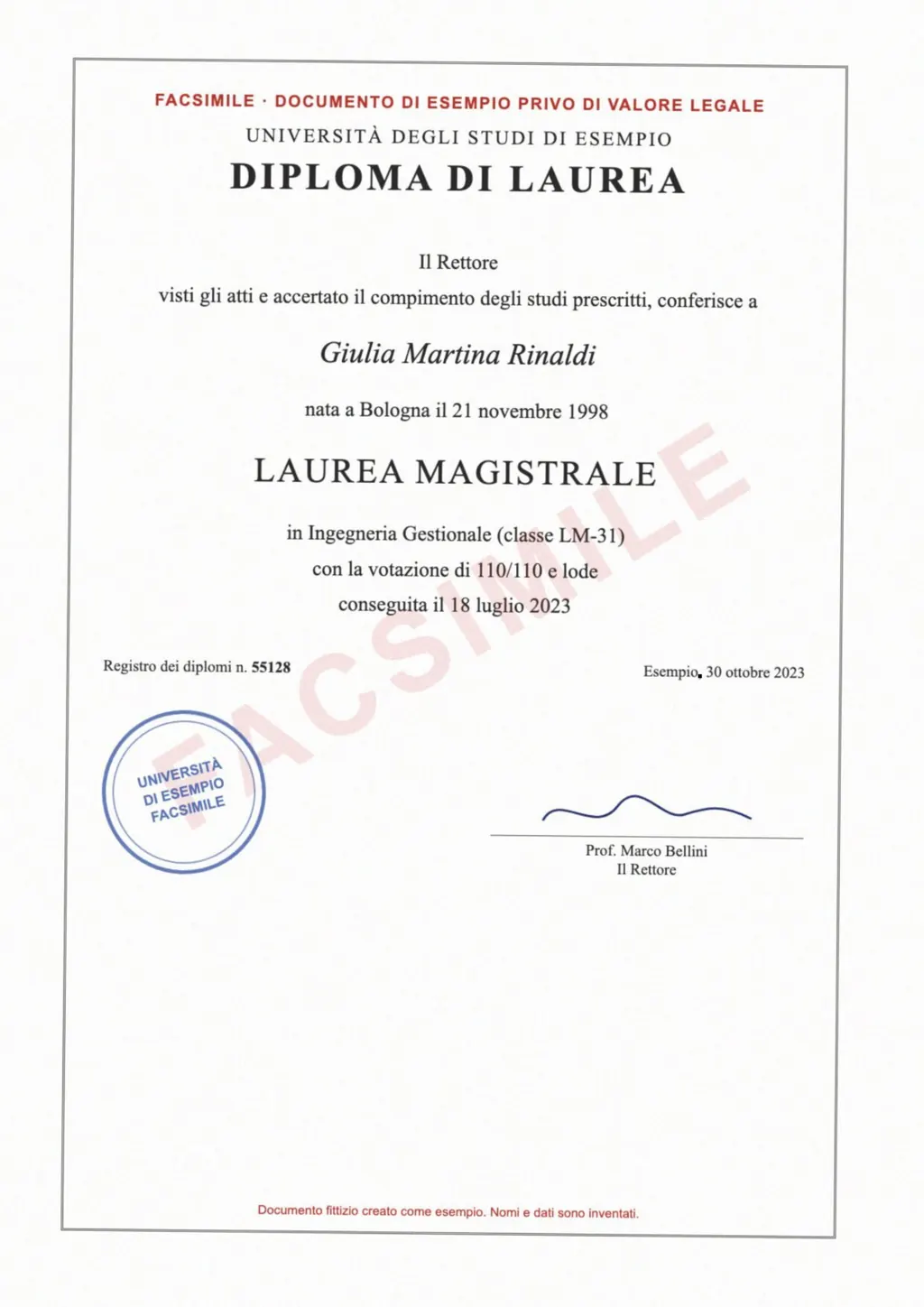
LoreAI suits a different job: one document you need in another language, as a Word file, from whatever device you are on. Upload a scan or photo, and LoreAI reads it with OCR, including stamps, seals and handwriting, translates it and rebuilds headings, lists and tables in Word. Names, dates and numbers stay exactly as written, and names in non-Latin scripts are romanized.
- Upload the scan or photo. Your first document is free, up to 3 pages.
- Pick the language. The source language is detected for you.
- Download the Word file. Edit it in Word, Pages or Google Docs.
For Mac text recognition without an app, see OCR on a Mac. Other tools are compared on the OCR software and iPhone scanner app pages.
Neither one certifies a translation
LoreAI is not a certified translation service, and Creaceed's translation is a machine translation too. When an authority asks for a certified translation, a translator signs a statement about it. The guide to getting a certified translation explains how.
Questions people ask
Is Prizmo free?
It is a free download to try the core features. A Premium Pack or Pro Pack unlocks the rest once, and Cloud OCR needs a subscription[1].
Does Prizmo read handwriting?
Yes, with Cloud OCR, in 9 languages including English, French, German, Italian and Spanish[1].
Can Prizmo export to Word?
Yes. It exports layout-preserving DOCX files as well as PDFs and images[1].
Does Prizmo translate?
The Mac version translates inside the document with the Pro Plan, in 59 languages[1]. Prizmo Go can translate text it captures from the camera.
Is there a Prizmo alternative for Windows or Android?
Creaceed lists iPhone, iPad and Mac[1]. LoreAI runs in any browser, so it works on Windows and Android too.
Sources
- Creaceed: Prizmo, pro scanning app with OCR, accessed November 6, 2026
By Matt Mountain ·