How to use PDF24 OCR
- Select the files. Pick the scans or photos, or drop them into the file box on the OCR page.
- Set the options. Choose the document language, and whether to save as PDF/A, remove noise, deskew pages or join everything into one file.
- Start the recognition. PDF24 reads the text on its servers, so your computer does no work.
- Download the searchable PDF. You can now search and copy the text.
These are PDF24's own steps and settings[1]. The tool runs in a browser on Windows, Linux, Mac, iPhone and Android, and the language list includes vertical Chinese and historical languages such as Middle English and Ancient Greek[1]. PDF24 warns that OCR takes time and points to its Windows desktop app, PDF24 Creator, as an alternative[1].
PDF24 OCR at a glance
How to get a Word file from PDF24
PDF24's PDF to Word converter turns a PDF into an editable Word document, keeping the layout or reflowing the text into paragraphs[2]. For a scan, PDF24 says to run OCR first to get editable text[2]. So the route is two tools, OCR then PDF to Word, in the scan's original language.
LoreAI does the reading, the translation and the Word file in one job. It reads scans and photos with OCR, including stamps, seals and handwriting, translates into any of 105 languages and rebuilds headings, lists and tables in Word. Names, dates and numbers stay exactly as written.
PDF24 OCR and LoreAI side by side
| What you need | PDF24 OCR | LoreAI |
|---|---|---|
| File types | Scanned documents and photos[1] | PDF, JPG and PNG |
| Scanned pages | Made searchable[1] | Read with OCR, then translated |
| Photo of a document | Accepted[1] | Upload the JPG or PNG directly |
| What you download | A searchable PDF or PDF/A[1] | An editable Word file (.docx) |
| Word export | Separate PDF to Word tool, after OCR[2] | Always a Word file |
| Translation | Not part of the OCR tool[1] | Into 105 languages |
| On a phone | Runs in the browser on iPhone and Android[1] | Works in a phone browser |
| Price | Free, with ads[1] | First document free, then Basic at $12.99 a month |
Which one fits your document?
- To archive scans and invoices as searchable PDF/A files at no cost: PDF24 OCR[1].
- To run OCR in a desktop app on a Windows PC: PDF24 Creator[1].
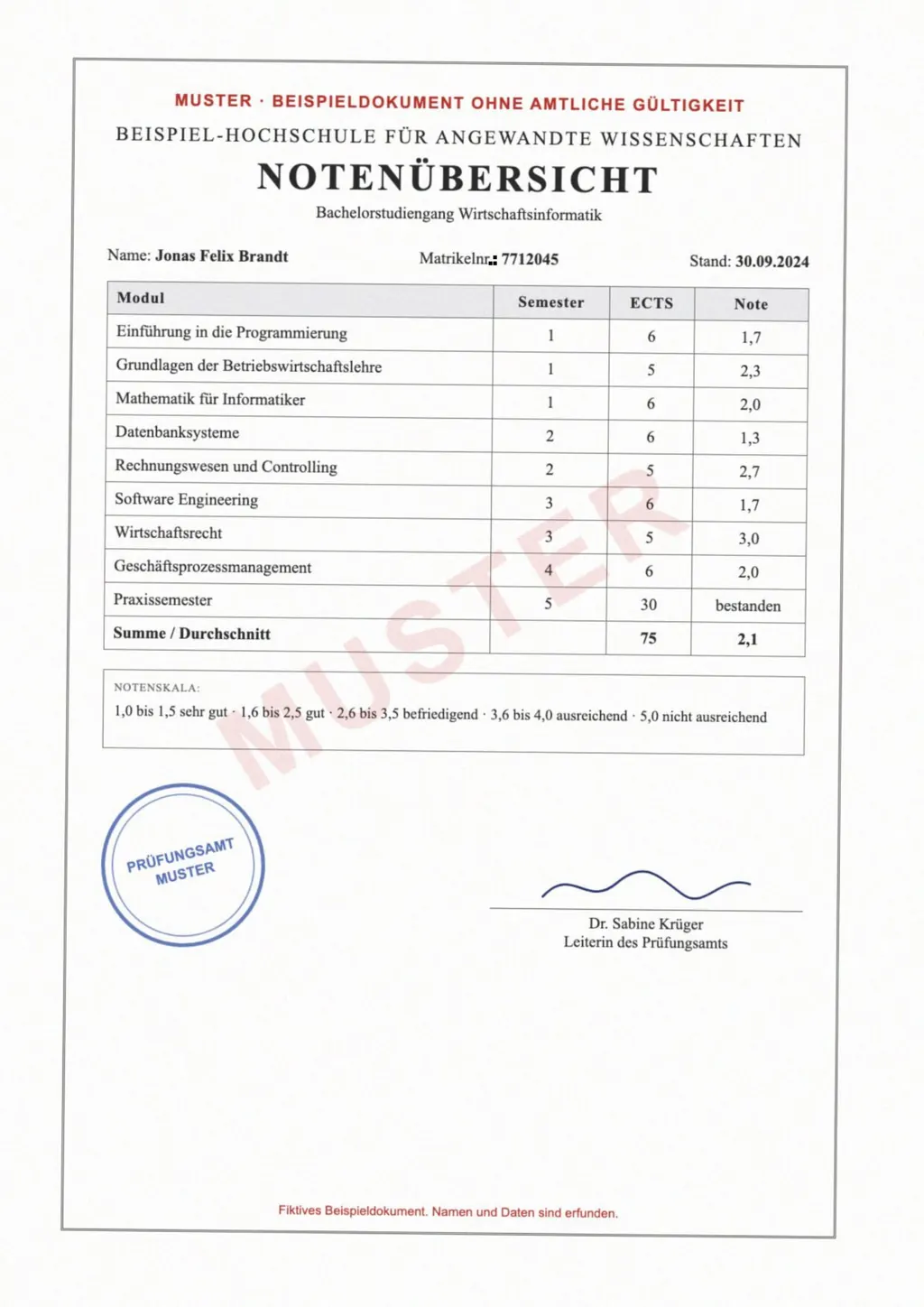
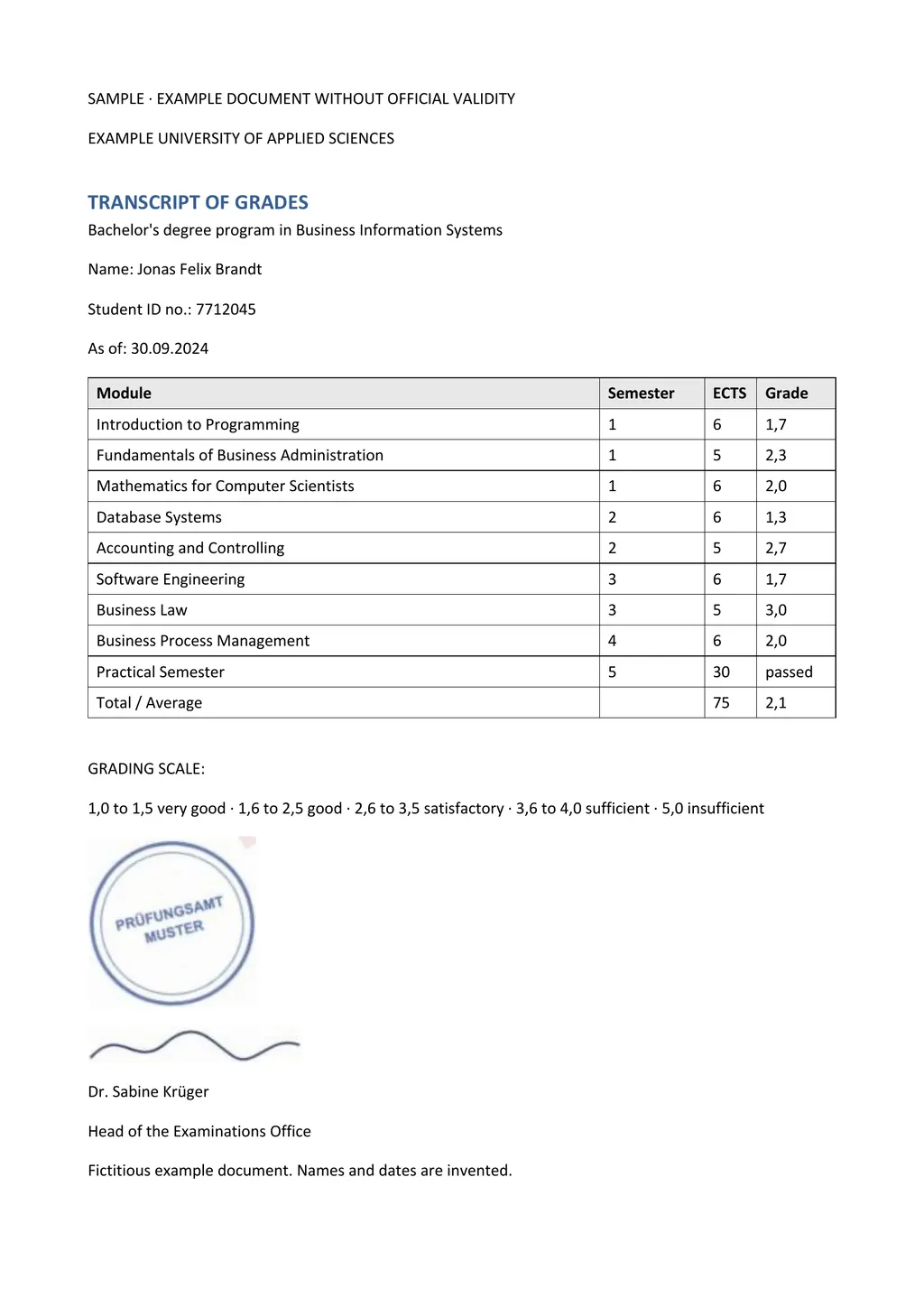
- To get a scanned certificate, transcript or letter as an editable Word file in another language: LoreAI.
For other free tools, see the iLovePDF OCR and Smallpdf OCR pages and the OCR software comparison.
Neither one certifies a translation
LoreAI is not a certified translation service. When an authority asks for a certified translation, a translator signs a statement that it is complete and accurate. The guide to getting a certified translation explains how.
Questions people ask
Is PDF24 OCR really free?
Yes. PDF24 says its tools are free, paid for by advertising, with no premium version and no time limits[1].
Can PDF24 OCR read photos?
Yes. PDF24 says the tool makes scanned documents and photos searchable[1].
Does PDF24 OCR give me a Word file?
No, it returns a searchable PDF. Run that PDF through PDF24's PDF to Word converter to get a Word document[2].
Can PDF24 translate a scanned PDF?
Translation is not part of the OCR tool[1]. LoreAI reads the scan and returns it translated as an editable Word file.
Sources
- PDF24 Tools: PDF OCR, recognize text, accessed November 6, 2026
- PDF24 Tools: PDF to Word converter, accessed November 6, 2026
By Matt Mountain ·