How many files can you translate on each DeepL plan?
The free version allows 1 file a month. DeepL's plans page lists these file limits per user[2]:
- Free version
- 1 file a month, up to 5 MB[2]
- Individual
- 3 files a month, up to 30 MB, €7.49 a month billed annually[2]
- Team
- 20 files a month, up to 30 MB, €24.99 per user a month billed annually[2]
- Business
- 100 files a month, up to 100 MB, €49.99 per user a month billed annually[2]
- Enterprise
- Custom file limits and custom pricing[2]
These euro prices come from the German page. Prices may differ in your country. On Team, the administrator chooses whether all members share the plan's monthly files or each member gets the same number[2].
DeepL lists PDFs, Word documents, PowerPoint slides, Excel spreadsheets, HTML, SRT and TXT files among the types it translates[1].
Does DeepL translate scanned PDFs and images?
Yes. DeepL's document page says it uses OCR to extract and translate text from scanned PDFs and from PNG and JPG images[1]. For a scanned document, its PDF page recommends the desktop and mobile apps and says you receive the translation of the text extracted from the file[3].
PDF translation relies on OCR, which may raise the error rate. Custom fonts and large images can also lower the quality[3]. Handwritten text is difficult and may not come out accurately[4].
Photos work in the desktop and mobile apps as BMP, PNG, JPG, JPEG, TIF, TIFF or GIF files. The free plan caps image translation at 1,500 characters a day[4].
Can you edit the translated file?
For PDFs, DeepL lists a choice between a .pdf and a .docx download among its Pro features[3]. A .docx file opens in Word, where you can correct a name or a date before you send it.
The PDF page does not say which format the free version returns, and we did not test it for this page. If you need an editable file from a scan, check the download options in your plan before you count on them.
Can you translate personal documents on the free version?
No. DeepL's privacy policy says its terms prohibit translating texts containing personal data of any kind on the free version. Only DeepL Pro allows it[5].
DeepL also stores and uses content differently on the two versions. On the free version, DeepL processes uploaded content and its translation for a limited period to train and improve its models. On Pro, the submitted documents and their translations are deleted once the job is done and are not used to improve the service[5].
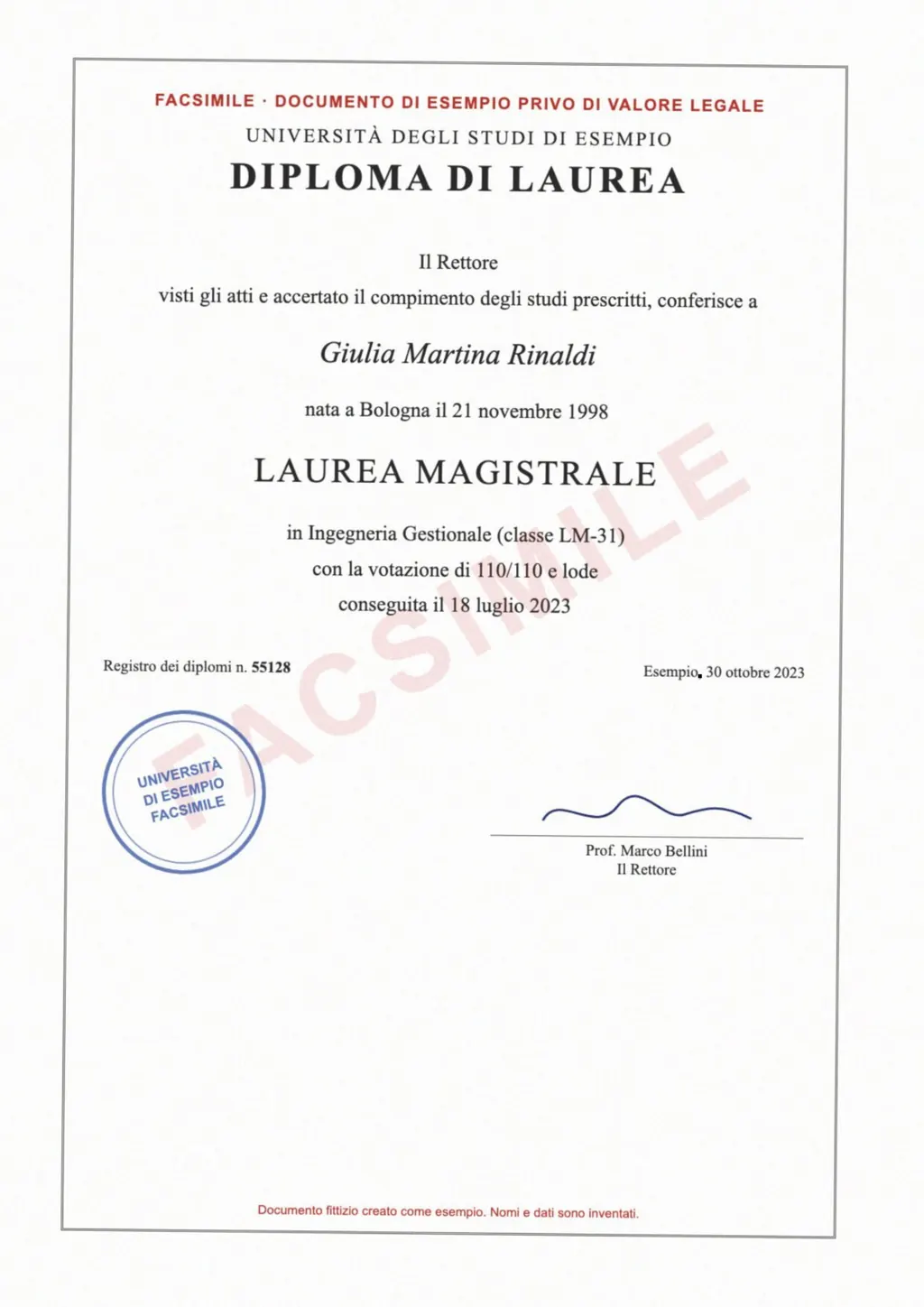
Birth certificates, diplomas, transcripts and IDs are full of personal data. For those, the choice on DeepL is a Pro plan.
DeepL and LoreAI for documents, side by side
| What you need | DeepL | LoreAI |
|---|---|---|
| File types | PDF, Word, PowerPoint, Excel, HTML, SRT, TXT and more[1] | PDF, JPG and PNG |
| File size | Free 5 MB, Individual and Team 30 MB, Business 100 MB[2] | Free 3 MB, Basic 10 MB, Pro 25 MB |
| Files a month | Free 1, Individual 3, Team 20, Business 100[2] | Counted in pages, Basic 200 and Pro 1,000 a month |
| Scanned pages | Desktop and mobile apps, from text extracted by OCR[3] | Read with OCR in the browser, then translated |
| Photo of a document | Desktop and mobile apps, 1,500 characters a day free[4] | Upload the JPG or PNG directly |
| What you download | The translated file, with a .pdf or .docx choice for PDFs on Pro[3] | An editable Word file (.docx) on every plan |
| On a phone | Mobile app[3] | Works in a phone browser, no app |
| Personal data | Pro only, by DeepL's terms[5] | Upload deleted after reading, results after about an hour unless Keep my translated documents is on |
| Price | Free version, then from €7.49 a month billed annually, as listed in euros[2] | First document free, then Basic at $12.99 a month |
When is a DeepL alternative worth it?
DeepL covers more file types than LoreAI, including slides, spreadsheets and subtitles. For a typed Word file or a slide deck, there is no reason to switch. The guide to translating a PDF compares the free options for typed and scanned files.
Consider an alternative if any of these apply:
- You translate several scans a month and the free version's single file is not enough.
- The documents hold personal data, which DeepL's free version does not allow[5].
- You want to work from a phone browser instead of installing the DeepL app.
- You need the scan back as an editable Word file with its tables rebuilt, so you can check and correct it.
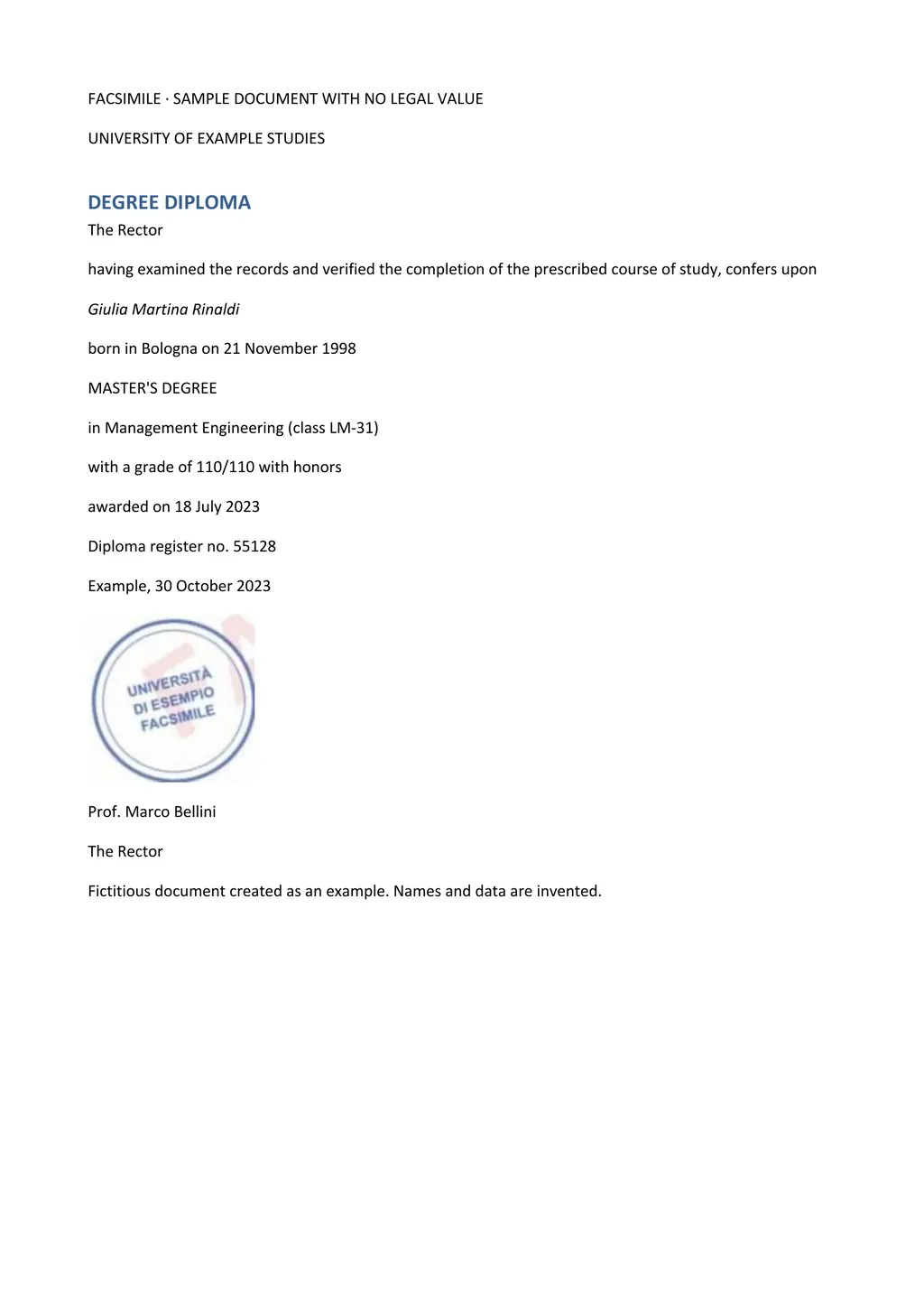
LoreAI reads the scan with OCR, translates it into one of 105 languages and returns a Word file with headings, lists and tables in the original order. Names, dates and numbers stay as written.
Neither one certifies a translation
A machine translation from DeepL or LoreAI is a draft. For USCIS, the translator certifies the full translation as complete and accurate and certifies their competence in the language[6]. The guide to getting a certified translation explains how to get from a draft to a signed translation.
For the same comparison with Google's free tool, see DeepL vs Google Translate.
Questions people ask
Is DeepL document translation free?
Yes, for 1 file a month of up to 5 MB on the free version[2]. More files need a paid plan.
What is the DeepL PDF translator file size limit?
5 MB on the free version, 30 MB on Individual and Team, and 100 MB on Business[2].
Can DeepL translate a scanned PDF?
Yes. DeepL recommends its desktop and mobile apps for scanned documents and returns the translation of the extracted text[3].
Can I get a Word file from DeepL?
DeepL lists a .pdf or .docx download for PDFs among its Pro features[3].
Sources
- DeepL: AI document translation, accessed November 2, 2026
- DeepL: Plans and pricing, accessed November 2, 2026
- DeepL: Translate PDF documents, accessed November 2, 2026
- DeepL: Translate images, accessed November 2, 2026
- DeepL: Privacy policy, sections 3 and 4, accessed November 2, 2026
- 8 CFR 103.2(b)(3), Translations, Electronic Code of Federal Regulations, accessed November 2, 2026
By Matt Mountain ·